
Unenroll from AutoReload on grpayit
Follow the steps below to stop automatic reload payments on grpayit.
-
Sign in to grpayit using the email address originally used to set up AutoReload
-
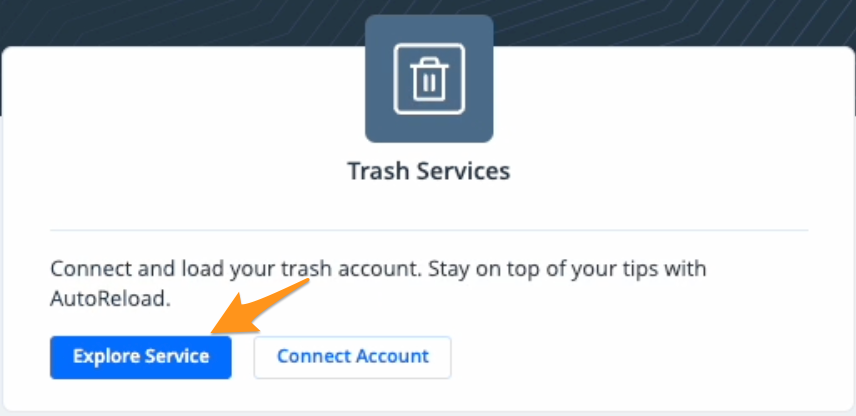
Click Explore Service in the "Trash Services" section
-
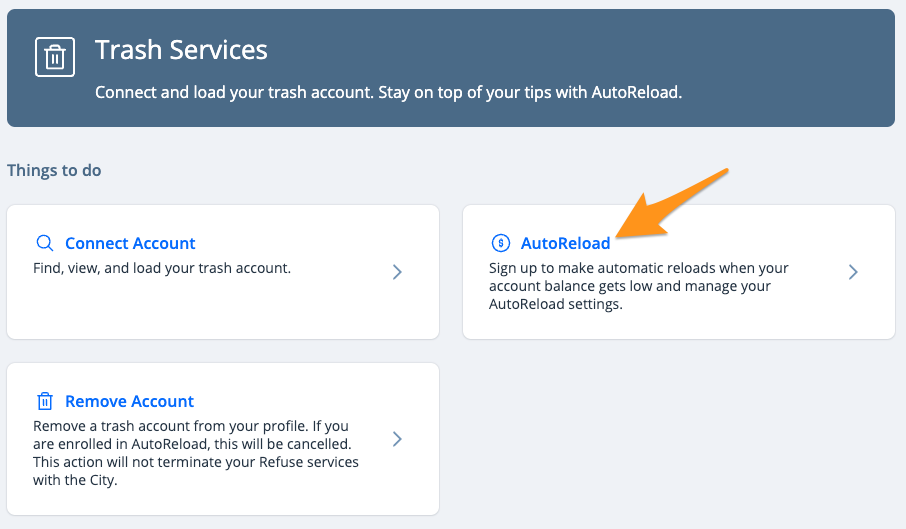
Select AutoReload
-
Click Cancel Autoreload for this account
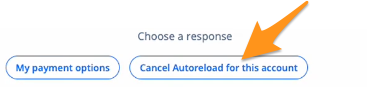
Note: If you have multiple accounts linked, you will be prompted to select the account you wish to remove.
- Click Yes, remove this account, and then Yes, I can handle that to confirm unenrollment
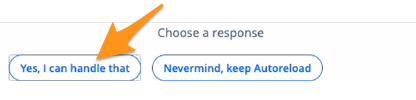
After AutoReload has been canceled, you'll need to remember to add funds to your account to continue regular refuse service.