
Enroll in AutoReload on grpayit
AutoReload allows Grand Rapids residents to automatically pay when their balance falls below the $10 minimum.
To set up AutoReload for your trash account, you must first have a grpayit profile (see Create a Profile on grpayit). After signing in and linking your trash account (see Connect a Trash Account on grpayit), follow the steps below to enroll in AutoReload:
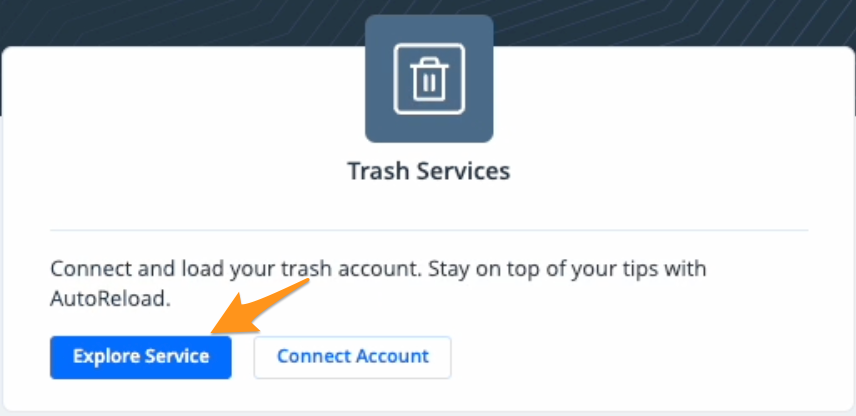
- Click Explore Service in the "Trash Services" section
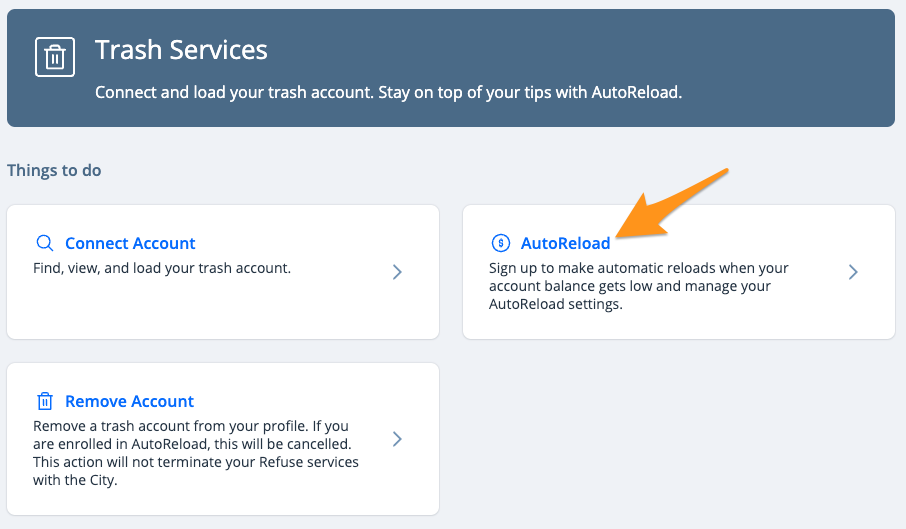
2. Click AutoReload
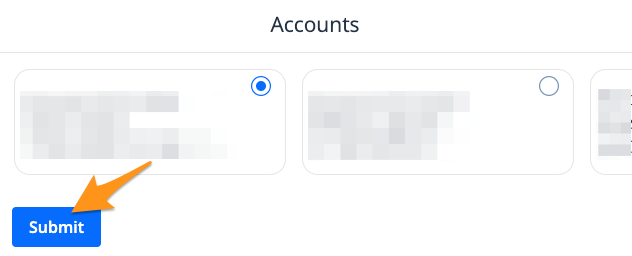
- If you have multiple trash accounts connected to your profile, choose the trash account you wish to enroll then click Submit
- Click Got it

- Enter the amount you would like to AutoReload each time and click Submit
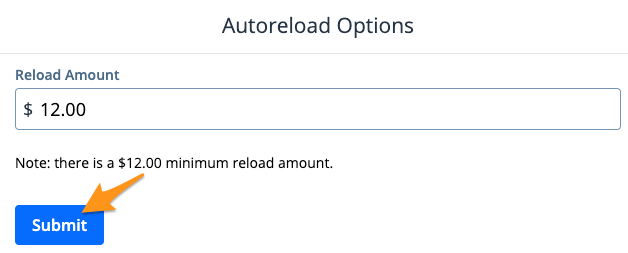
Note: There is a $12.00 minimum AutoReload amount
- Next, select a Payment Method and click Submit
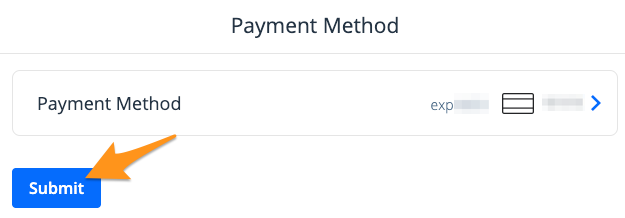
Note: If you already have a payment method stored on your profile, it will appear here. Click Payment Method to select a different payment method from your profile or to add a new payment method.
Your trash account is now set up for AutoReload. We will send you a reminder notification before and after a payment is processed. You can also cancel AutoReload at any time (see Unenroll from AutoReload on grpayit).