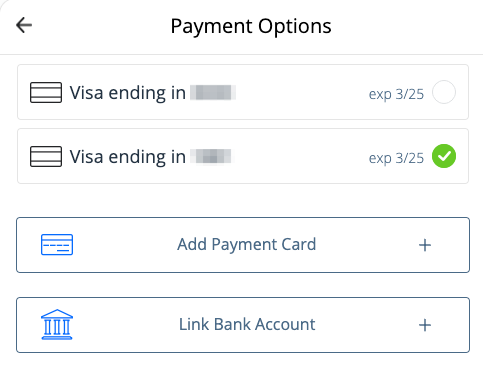
Change AutoReload Payment Method on grpayit
Follow the directions below to change the payment method for your AutoReload enrollment on grpayit.
-
Sign in to grpayit using the email address originally used to set up AutoReload
-
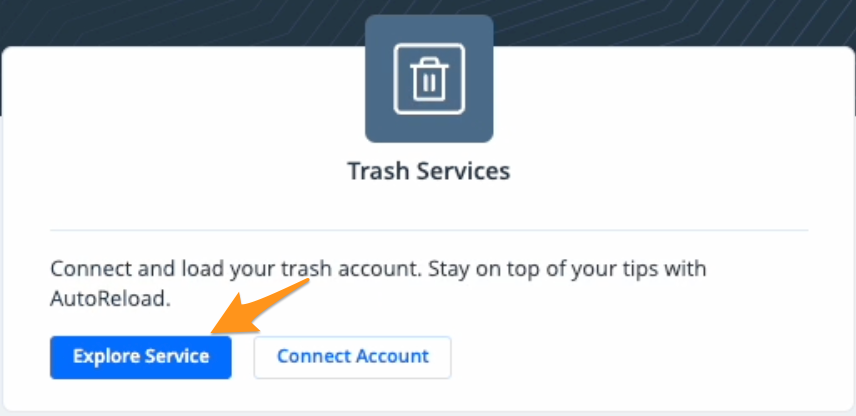
Click Explore Service in the "Trash Services" section
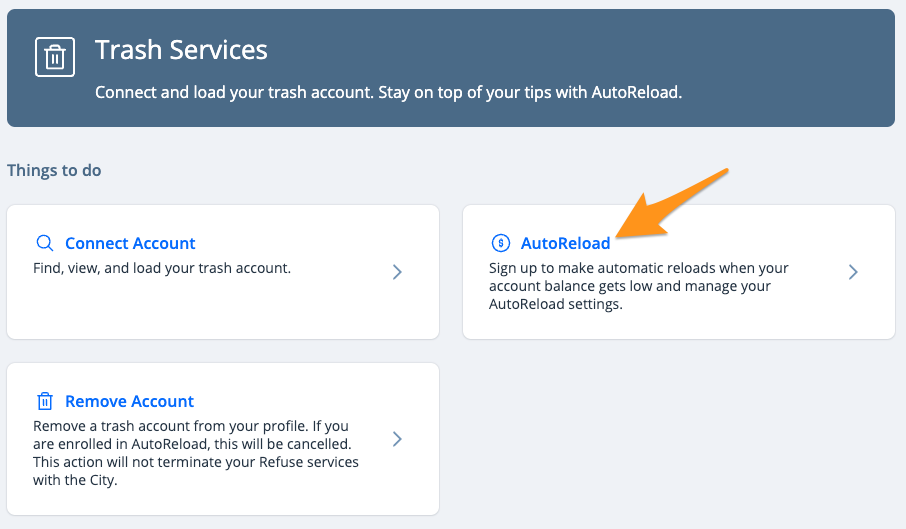
- Click AutoReload
4. Click My payment options

- Enter your AutoReload payment amount and click Submit
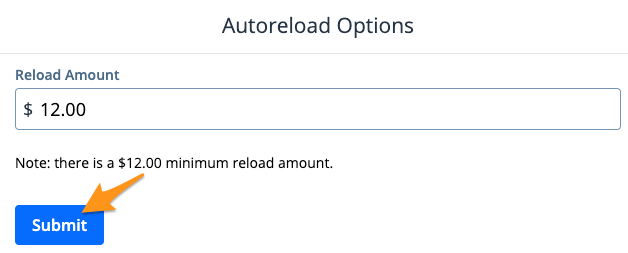
Note: There is a $12.00 minimum AutoReload amount
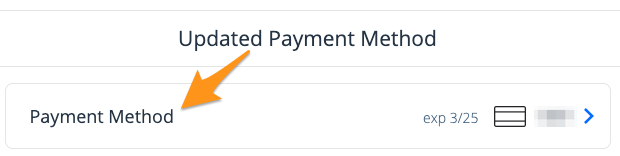
- The current payment method will be displayed with a blue arrow to the right. Click on Payment Method.
- Select a different payment method from your profile or add a new payment method and click Submit