
Connect a Trash Account on grpayit
Once you have logged into grpayit you can search for your trash account by following the steps below:
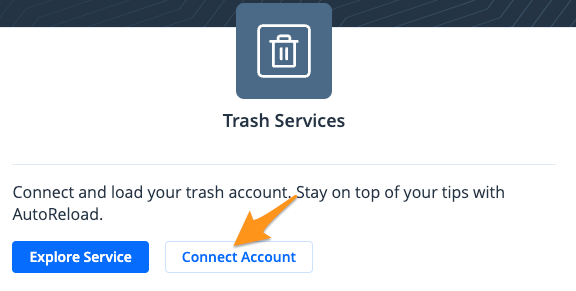
1. Click Connect Accountin the "Trash Services" section
- Locate your trash account by entering your "name & house number" or "account number"

Note: The house number is the numerical portion of the address. For example, owner John Smith at address 1234 Example Street would use search criteria: Smith 1234.
- The results of your search will be displayed. Connect the account to your profile by clicking Yes, that's mine! or select No, that's not right to search again.
Your trash account is now linked to your grpayit profile. If you are signed in to a grpayit account bills will appear on the dashboard after signing in, and you will receive email notifications when new bills become available.