
Submit a One-Time Payment on grpayit
After signing in (see Create a Profile on grpayit) and linking your trash account (see Connect a Trash Account on grpayit), follow the directions below to reload your trash account on grpayit:
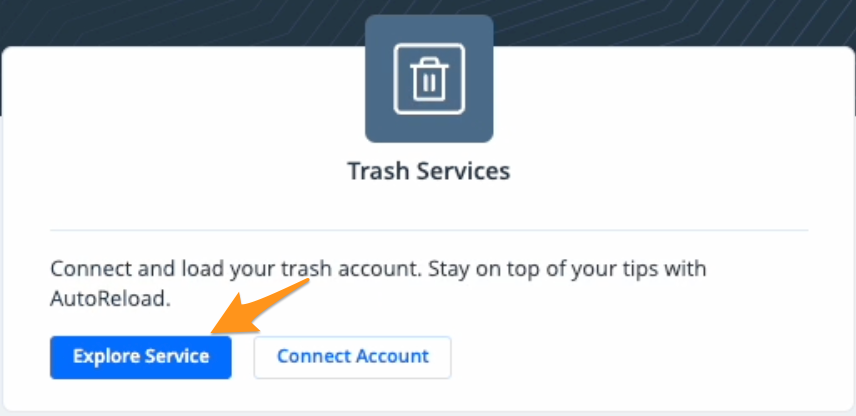
- Click Explore Service in the "Trash Services" section
-
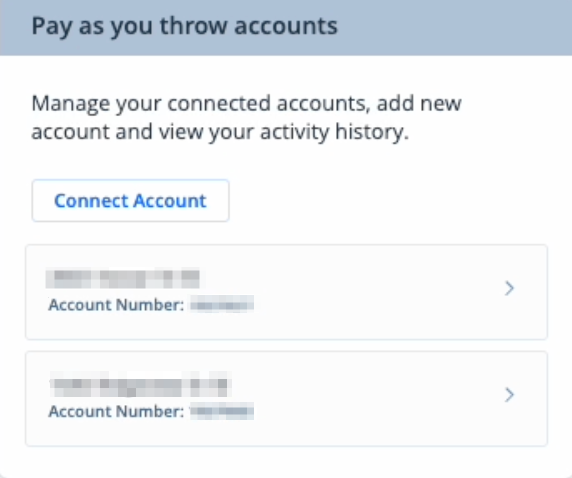
Select your trash account
-
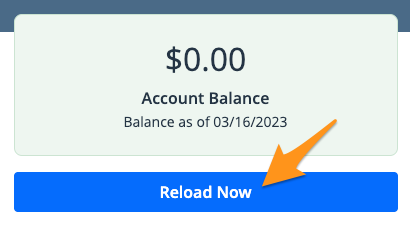
In the upper right corner, click Reload Now
- Enter the desired reload amount and payment date, then click Submit
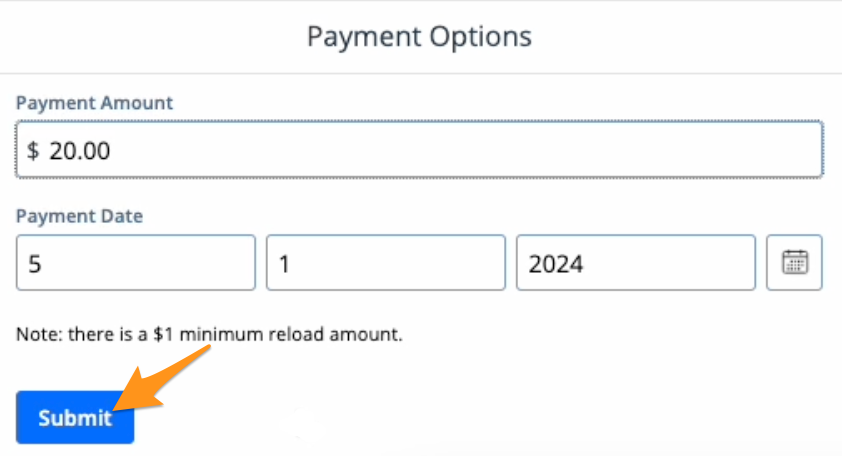
Note: There is a $1.00 minimum reload amount
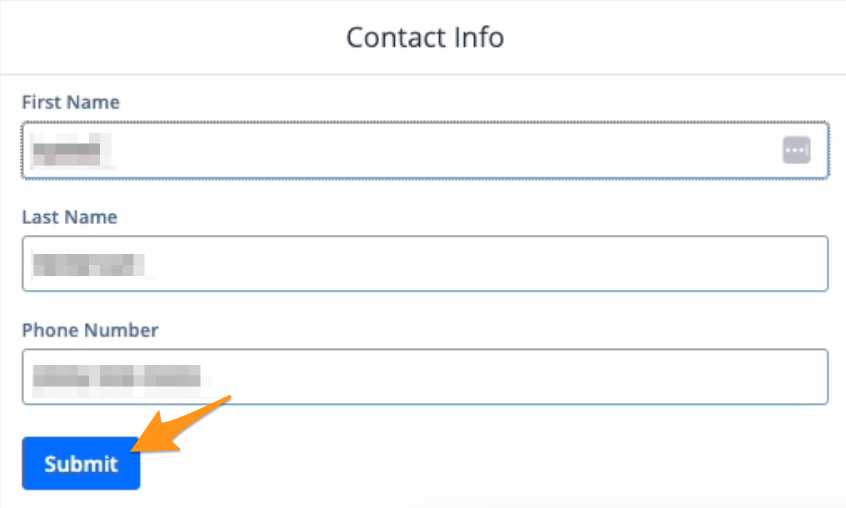
- Enter your contact information and click Submit
- Choose a payment method and click Submit
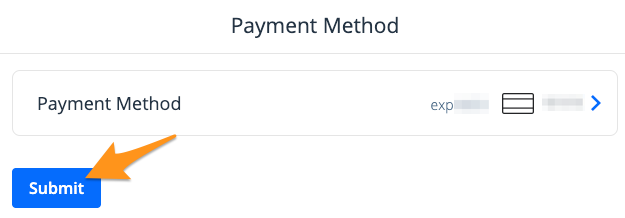
Note: If you already have a payment method stored on your profile, it will appear here. Click Payment Method to select a different payment method from your profile or to add a new payment method.
- Review the payment summary and click the blue Pay $--.-- button
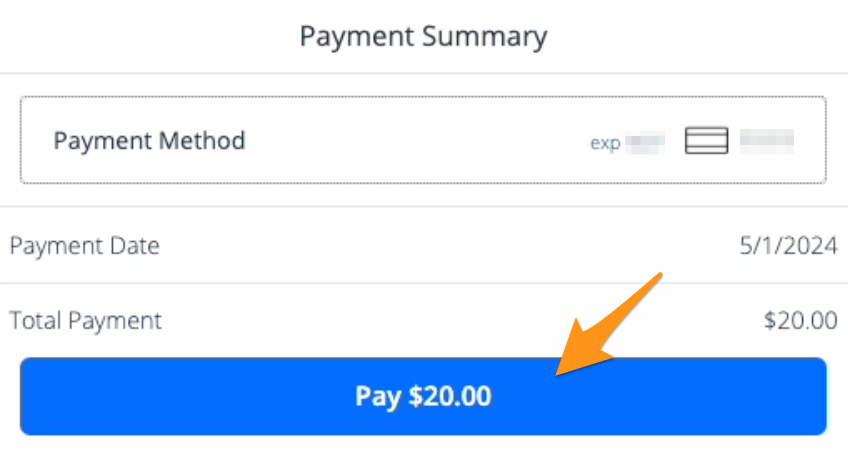
After your payment is complete, you'll receive an email confirmation receipt. If you are signed in to a grpayit account, a receipt will also be stored in your profile (see Find a Receipt on grpayit).