
Cancel a Monthly Plan on grpayit
Follow the directions below to cancel your Monthly Plan on grpayit:
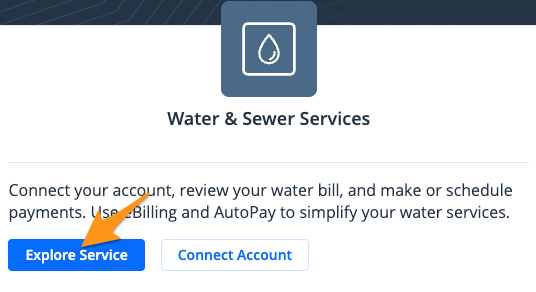
- Sign in and click Explore Service in the "Water & Sewer Services" section
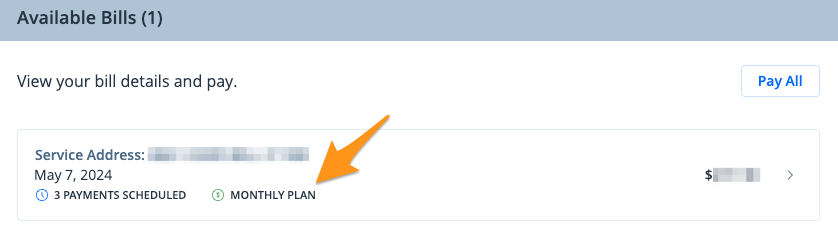
- Under the "Available Bills" section click on the quarterly bill with the Monthly Plan
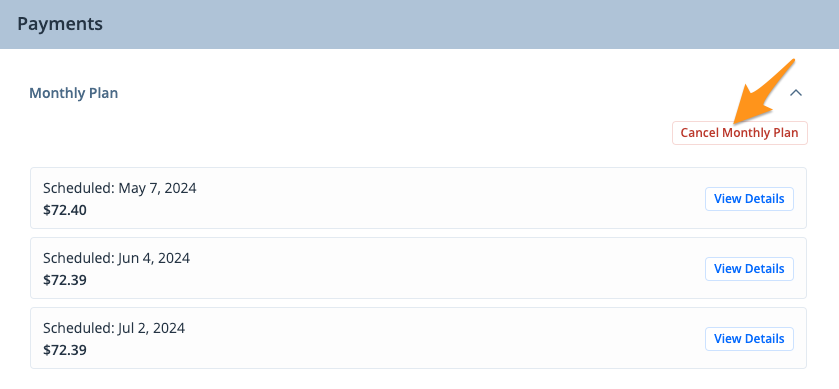
- Under the "Payments" section click Cancel Monthly Plan
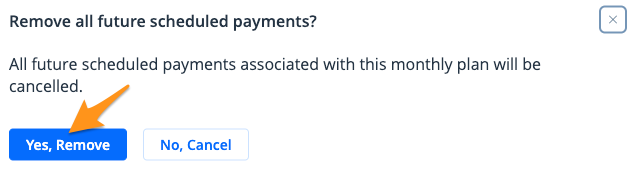
- Confirm by choosing Yes, Remove
Note:
- Monthly Plans canceled before the original bill due date can still be paid in full without late fees
- Monthly Plans canceled afterthe original bill due date with a balance still remaining are considered Past Due and will incur late fees