Remove a Property on grpayit
You will see any property you have linked to your profile on your dashboard. If you no longer own a property or want to remove it from your grpayit profile, follow the steps below:
Note: Removing a property from grpayit will not impact the property ownership status or any taxes due, however you will no longer receive email notifications or payment reminders.
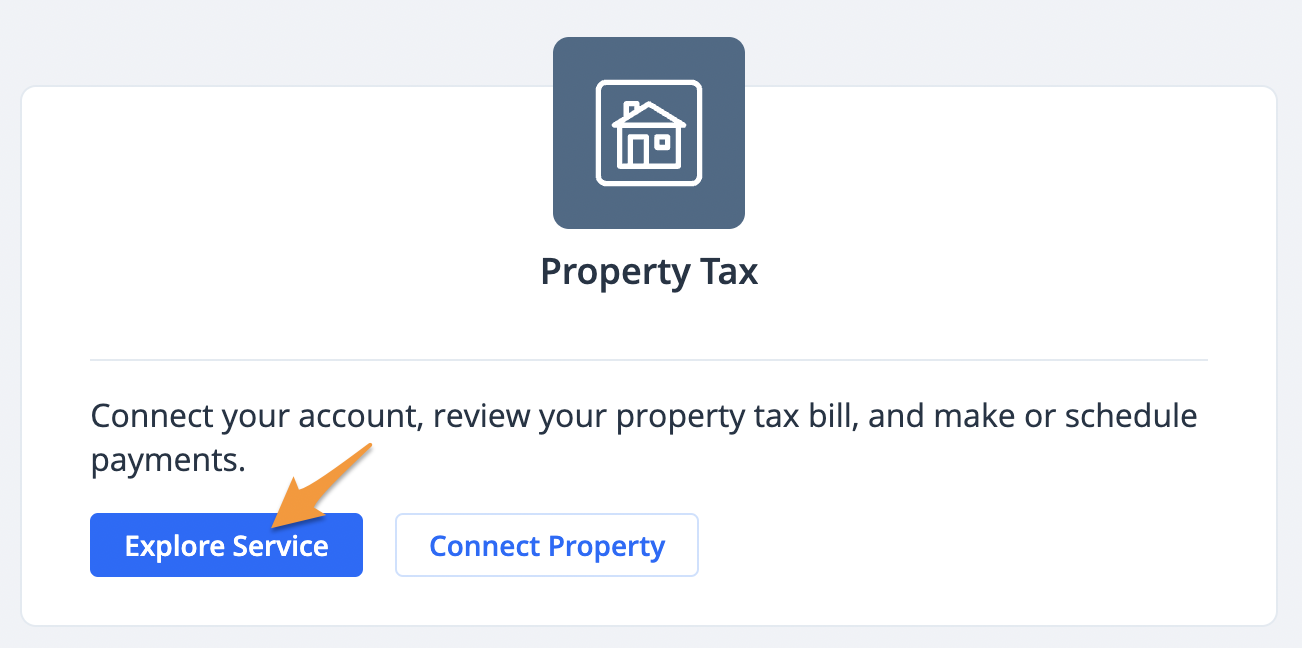
- Sign in to your grpayit profile and click Explore Service under "Property Tax"
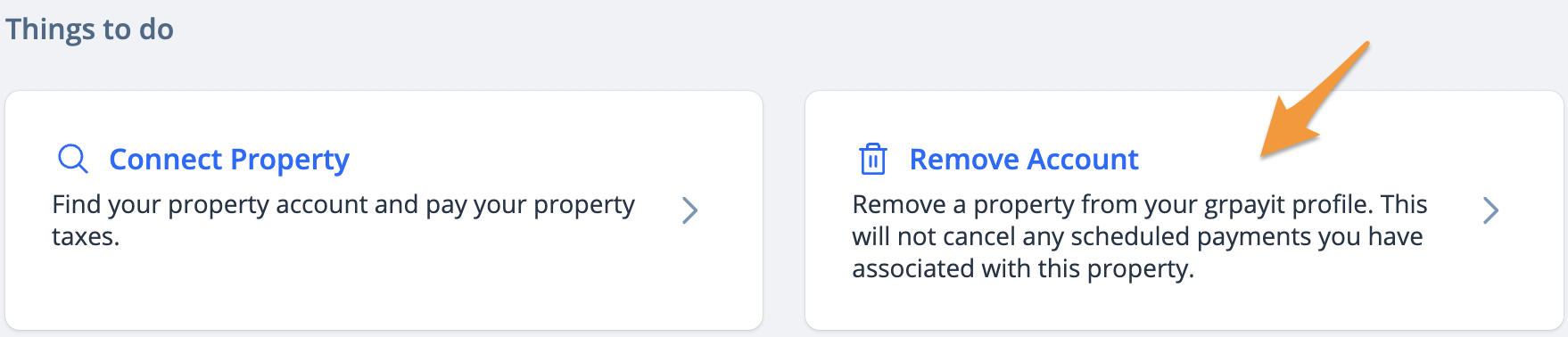
- Click Remove Account
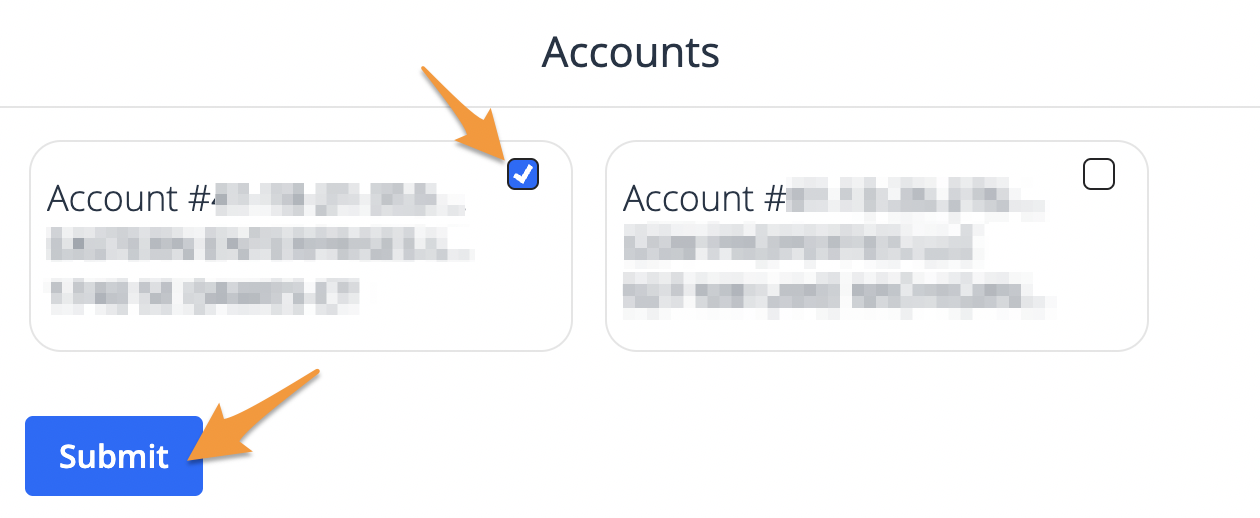
- If you have multiple linked accounts, check the blue square for each account you would like to remove, and click Submit. If you have only one account linked, proceed to step 4.
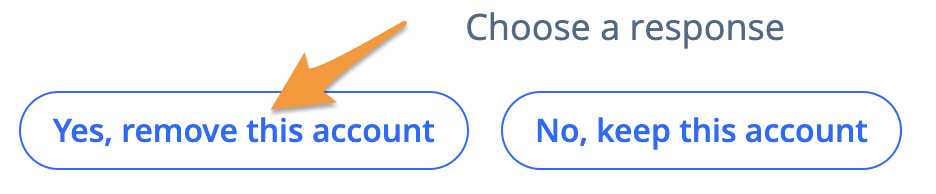
- Click Yes, remove this account to confirm
- Click Ok, thanks to return to your dashboard