
View Tax Bill Without Paying on grpayit
If you are curious about what you owe but not ready to make your payment today, follow the steps below to connect your property and view available bills on grpayit.
-
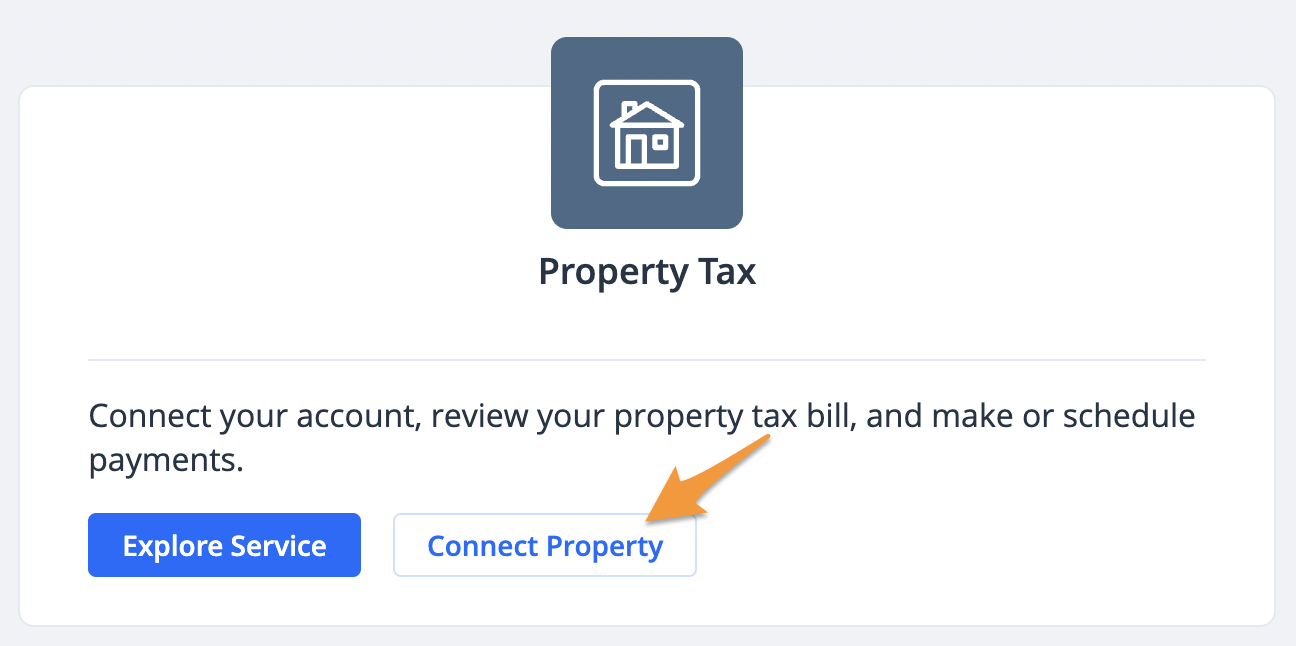
Log in (see Create a Profile on grpayit) and click Connect Property
-
Search for your property account "With property owner's name and house number" or "With my account number"

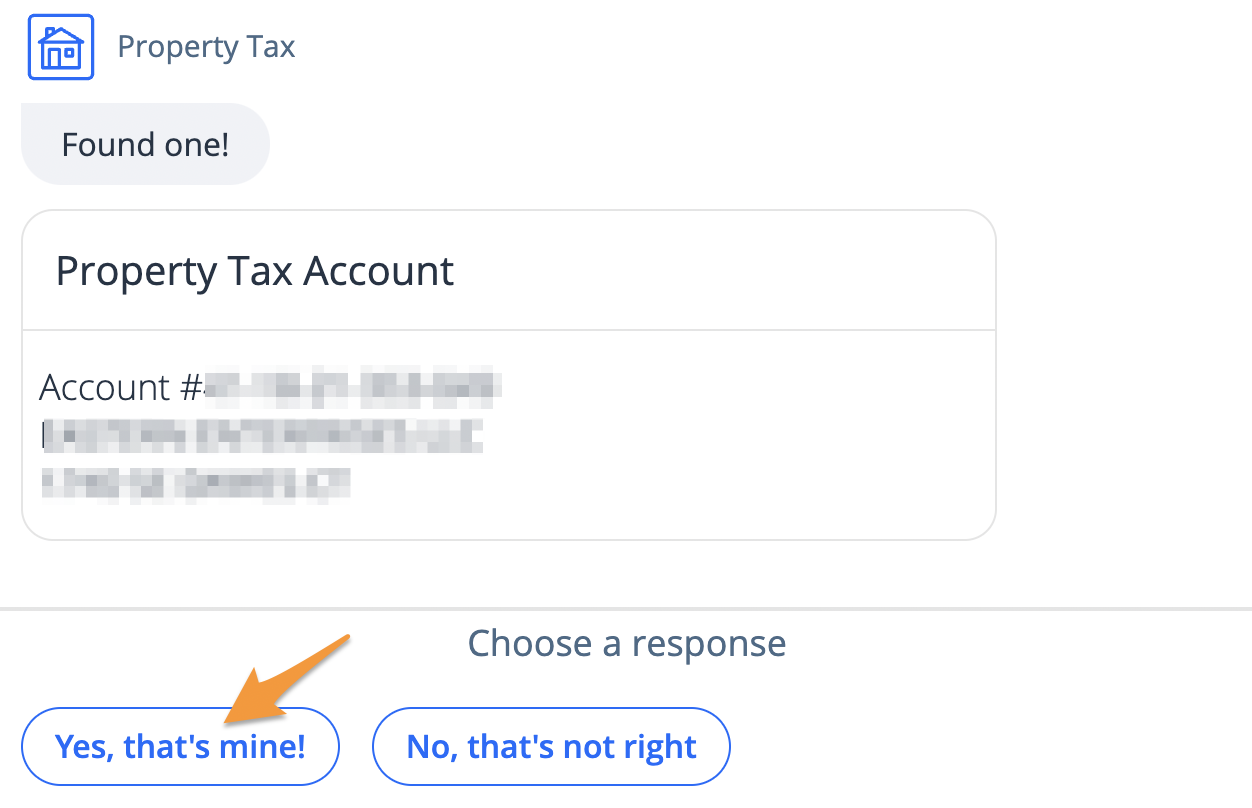
- The results of your search will be displayed. Confirm this is the correct property and connect it to your profile by clicking Yes, that's mine! If something does not look right, click No, that's not right.
- Click No thanks, I'm all setto return to the Home screen

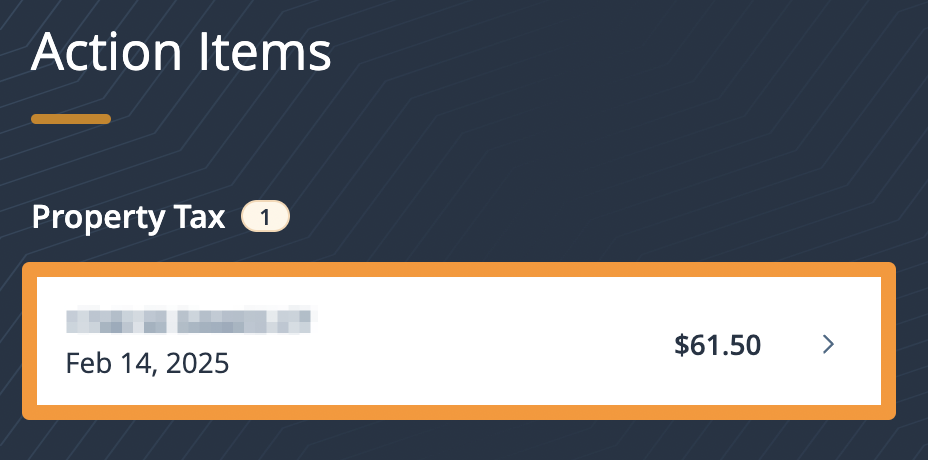
- Available bills and bill amounts will appear under "Action Items". You may click on the property account to view additional bill information.
If you are ready, you can pay a bill by clicking the property account and selecting Pay Bill on the Bill Details screen