
Enroll a Community Development Loan in AutoPay on grpayit
To set up AutoPay for your loan bills, you must first have a grpayit profile (see Create a Profile on grpayit). After signing in and linking your account (see Link a Community Development Loan Account on grpayit), follow the steps below to enroll your loan account in AutoPay:
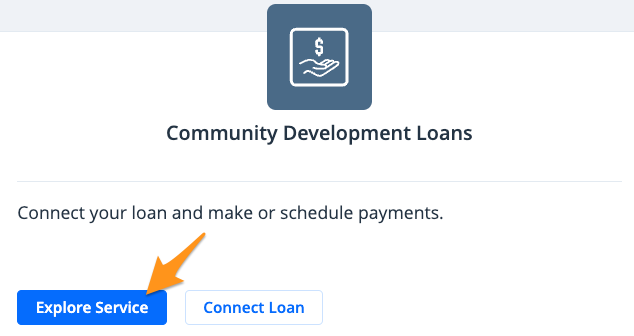
- Click Explore Service under "Community Development Loans"
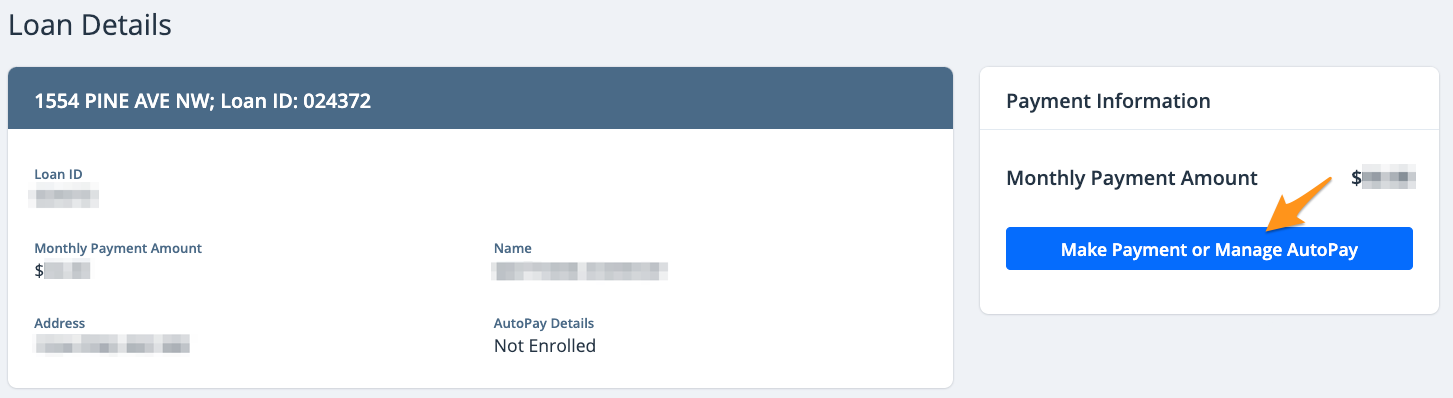
- Select the available loan and click Make Payment or Manage AutoPay
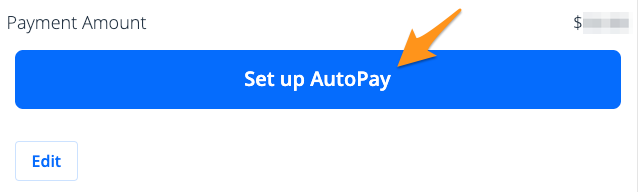
- Click Set up Autopay

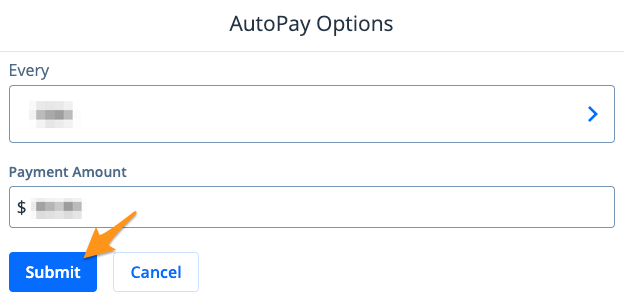
- Choose a payment frequency

Note: The monthly option can be set for a specific day (ie. the 1st, 15th, or 30th day of the month) and the weekly option can be set for any day of the week.
- Enter the amount you would like to pay with each automatic transaction and click Submit
- Select a Payment Method and click Submit
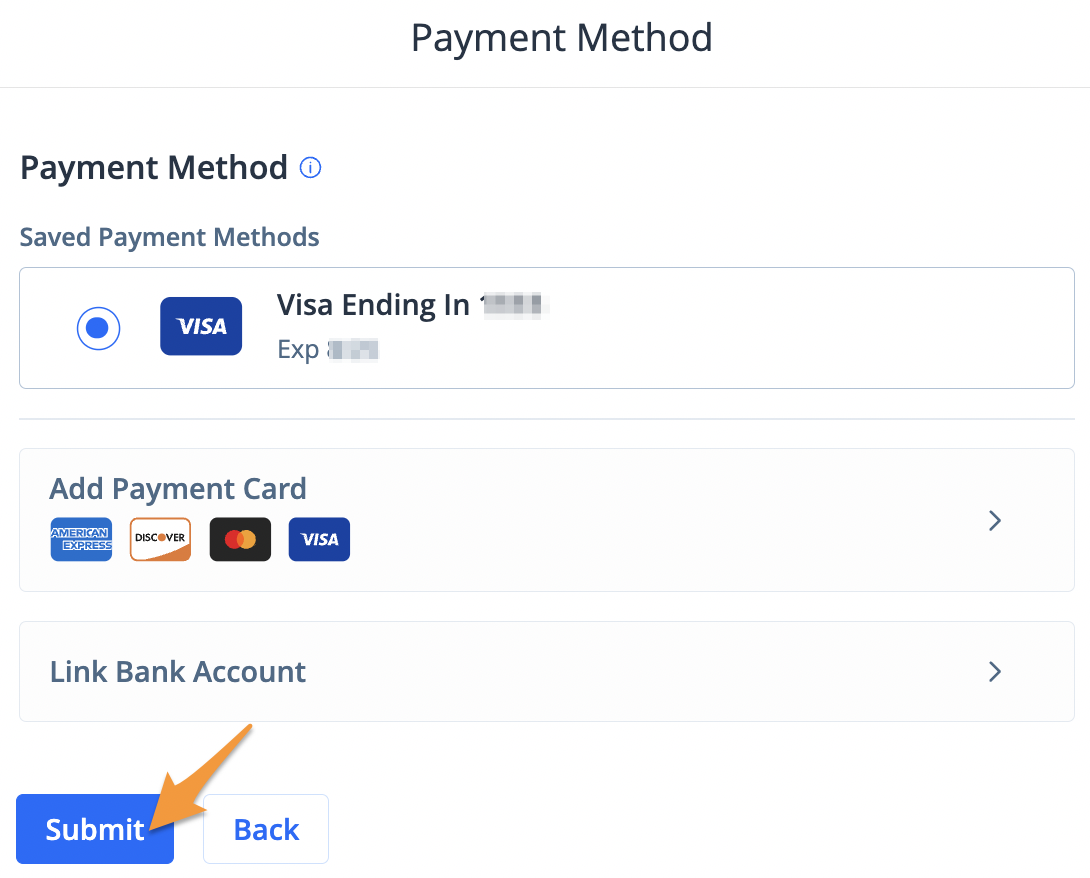
Note: If you have a saved payment method, it will automatically appear here. If you have not added a payment method before, select Add Payment Card or Link Bank Account to enter your payment information.
- Review the "AutoPay Summary" and select Set up AutoPay
You are now enrolled in AutoPay. You will receive an enrollment confirmation and email notifications when a payment is processed.