
Change AutoPay Payment Method on grpayit
Follow the directions below to change the payment method for your utility account enrolled in AutoPay through grpayit:
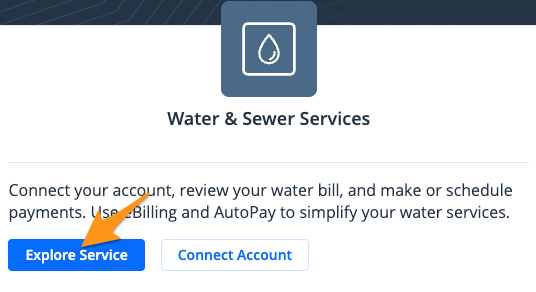
- Click Explore Service in the "Water & Sewer Services" section
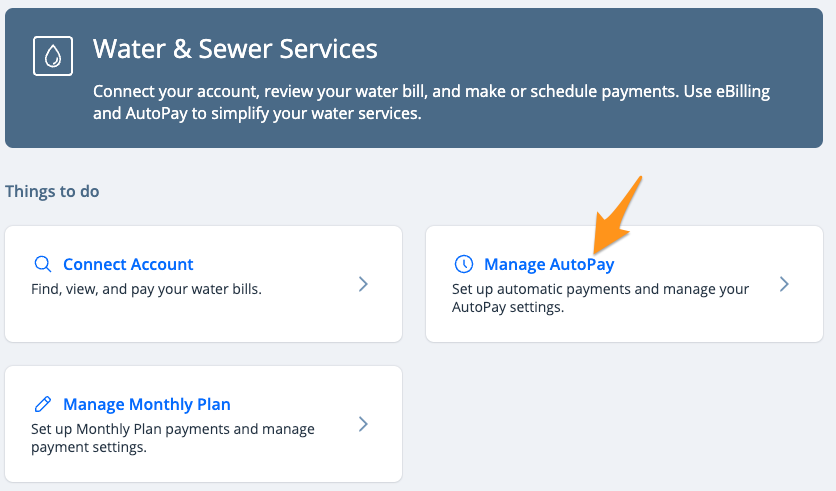
- Select Manage AutoPay
- Select Change Payment Method

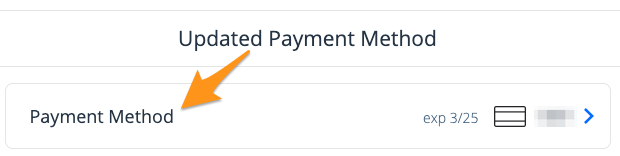
- Click thePayment Method
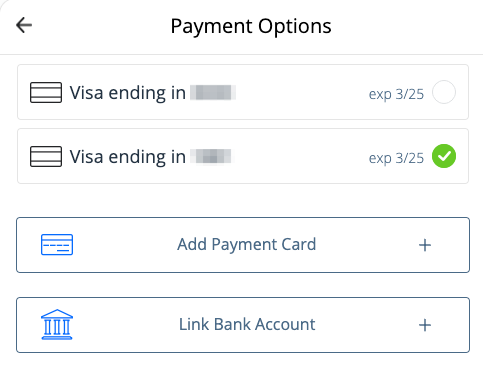
- Select a different payment method from your profile or add a new payment method.
- Click Submit

Your AutoPay payment method has now been updated and you will receive an email confirmation.