
Remove a Parking Ticket on grpayit
Follow the steps below to remove a parking ticket from your grpayit profile:
Note: Removing a parking ticket from grpayit will not impact the ticket ownership status or any balance due, however it will no longer appear on your dashboard at log in.
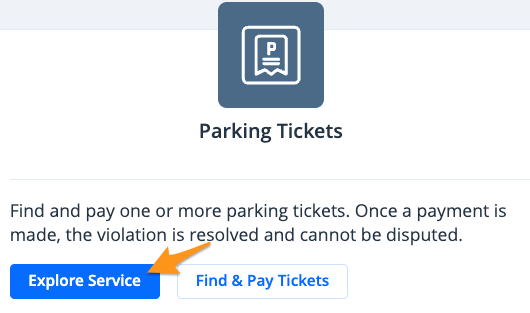
- Log in to your grpayit profile and click Explore Service under "Parking Tickets"
-
Click Remove a Ticket

-
Click Yes, remove this ticket

If you need to connect a different parking ticket to your profile, see Locate a Parking Ticket on grpayit.